In short
useMemo skips a calculation only when every dependency is the same as last render (compared with Object.is). It pays off for slow calculations, props passed to memo components and values used as other Hooks' dependencies. A new object in the dependency list turns it off. With React Compiler on, write plain code and keep useMemo as an escape hatch.
useMemo is one of the most copied Hooks in React code, and it is often misunderstood. Some teams wrap every derived value in it "for performance". Others never use it and then wonder why a memoized child keeps re-rendering. Both groups usually have the same gap: they aren't sure what React checks before it decides to skip the work.
This post walks through that check step by step, shows when it helps and when it does nothing, and explains how the React Compiler (which this site uses) changes the advice.
The problem in plain words
When a component re-renders, React runs the whole function body again. Anything you calculate there, such as filtering a list, sorting rows or building a lookup table, runs again too, even if the inputs didn't change. Usually that is fine. It becomes a problem in two situations:
- The calculation is slow, and the component re-renders often for unrelated reasons (a theme toggle, a hover state, a parent update).
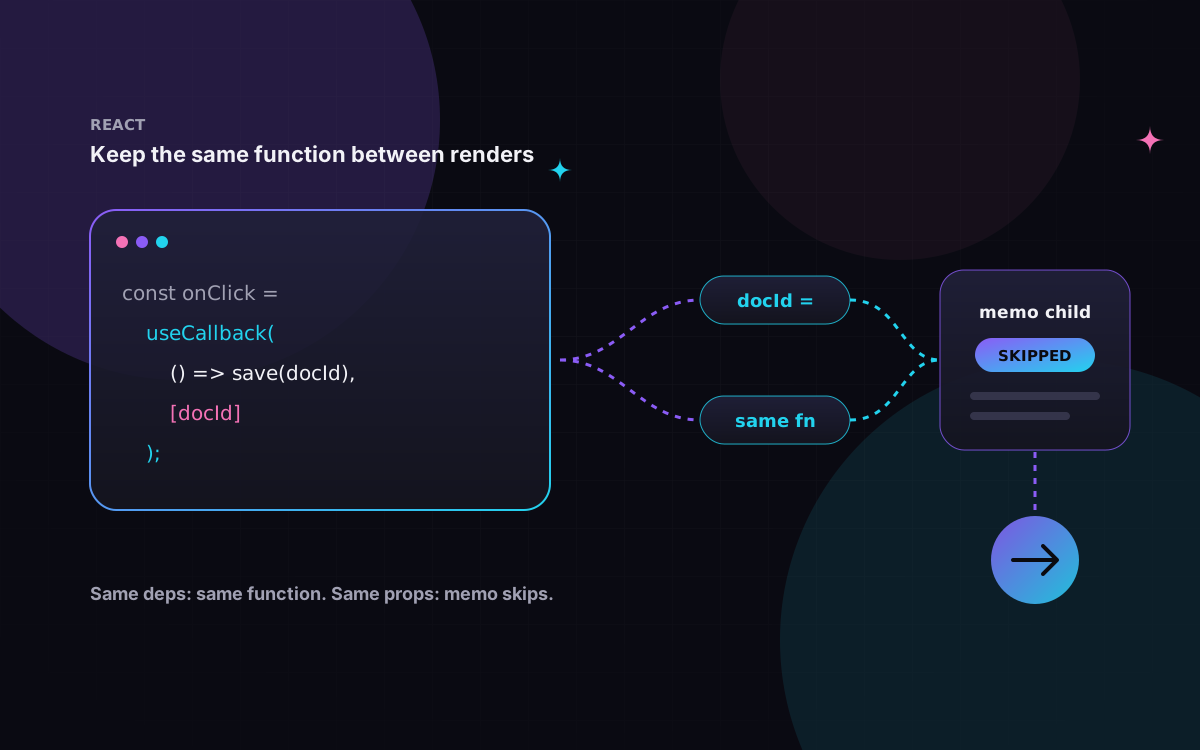
- The calculation returns a new object or array every time, and something downstream compares by reference: a child wrapped in
memo, or an Effect with that value in its dependency list.
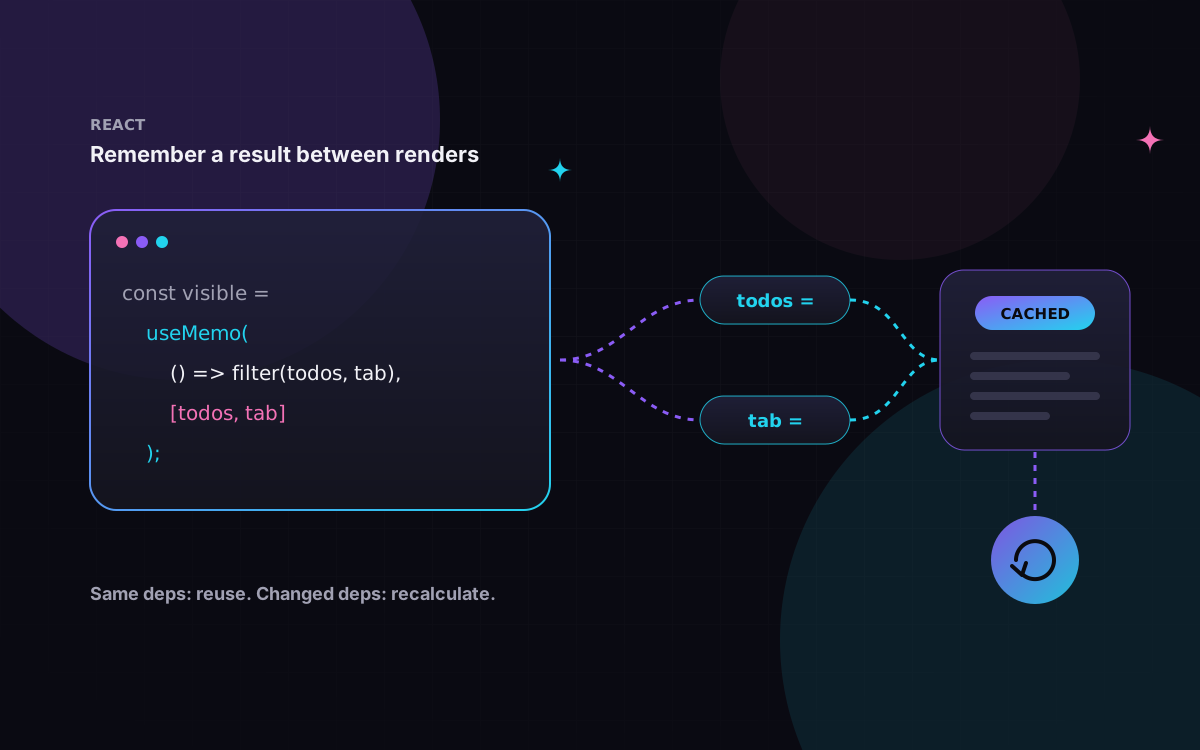
useMemo handles both by caching the result between renders.
How it works, step by step
const cachedValue = useMemo(calculateValue, dependencies);
calculateValue is a pure function with no arguments. dependencies is an inline array of every reactive value the function reads: props, state, and variables declared in the component body.
- First render. React calls
calculateValue, returns the result and stores it together with the dependencies.useMemonever makes the first render faster. It can only skip work on later renders. - Every later render. React compares each dependency with its value from the previous render using
Object.is. - All the same? React returns the stored value and does not call your function.
- Anything different? React calls the function again, returns the new result and stores it for next time.
That comparison is the whole mechanism. Object.is treats two numbers or strings with the same value as equal, but two objects are only equal if they are the same object. That one detail explains most of the surprises later in this post.
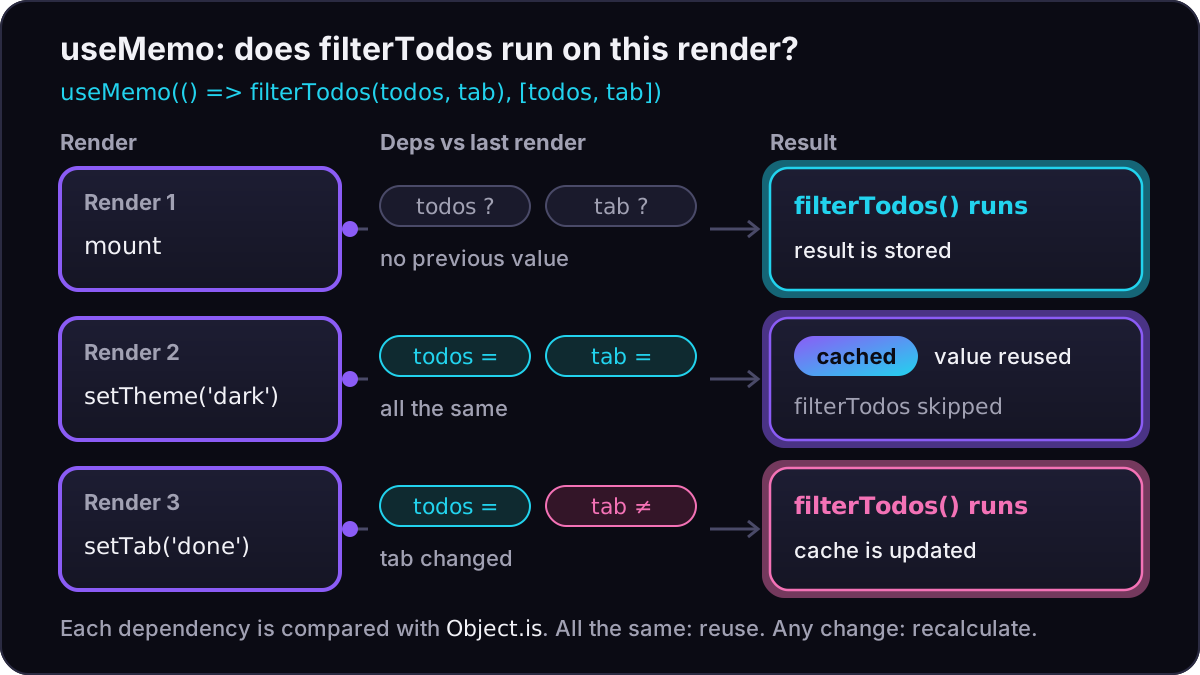
Changing the theme re-renders the component but leaves the cached list alone; changing the tab is what makes filterTodos run again.
A complete example
This is the case the React docs use, and it shows two of the three good reasons at once: the filter might be slow, and its result goes to a child wrapped in memo.
import { memo, useMemo } from "react";

type Todo = { id: number; text: string; done: boolean };
type Tab = "all" | "active" | "done";

function filterTodos(todos: Todo[], tab: Tab): Todo[] {
  if (tab === "all") return todos;
  return todos.filter((t) => (tab === "done" ? t.done : !t.done));
}

const List = memo(function List({ items }: { items: Todo[] }) {
  return (
    <ul>
      {items.map((t) => (
        <li key={t.id}>{t.text}</li>
      ))}
    </ul>
  );
});

export function TodoList({ todos, tab, theme }: { todos: Todo[]; tab: Tab; theme: string }) {
  const visibleTodos = useMemo(() => filterTodos(todos, tab), [todos, tab]);
  return (
    <div className={theme}>
      <List items={visibleTodos} />
    </div>
  );
}
Without useMemo, todos.filter(...) returns a new array on every render. List would see a "different" items prop each time, and memo would never get to skip a render. With useMemo, a theme change hands List the exact same array, so memo can do its job.
When useMemo actually helps
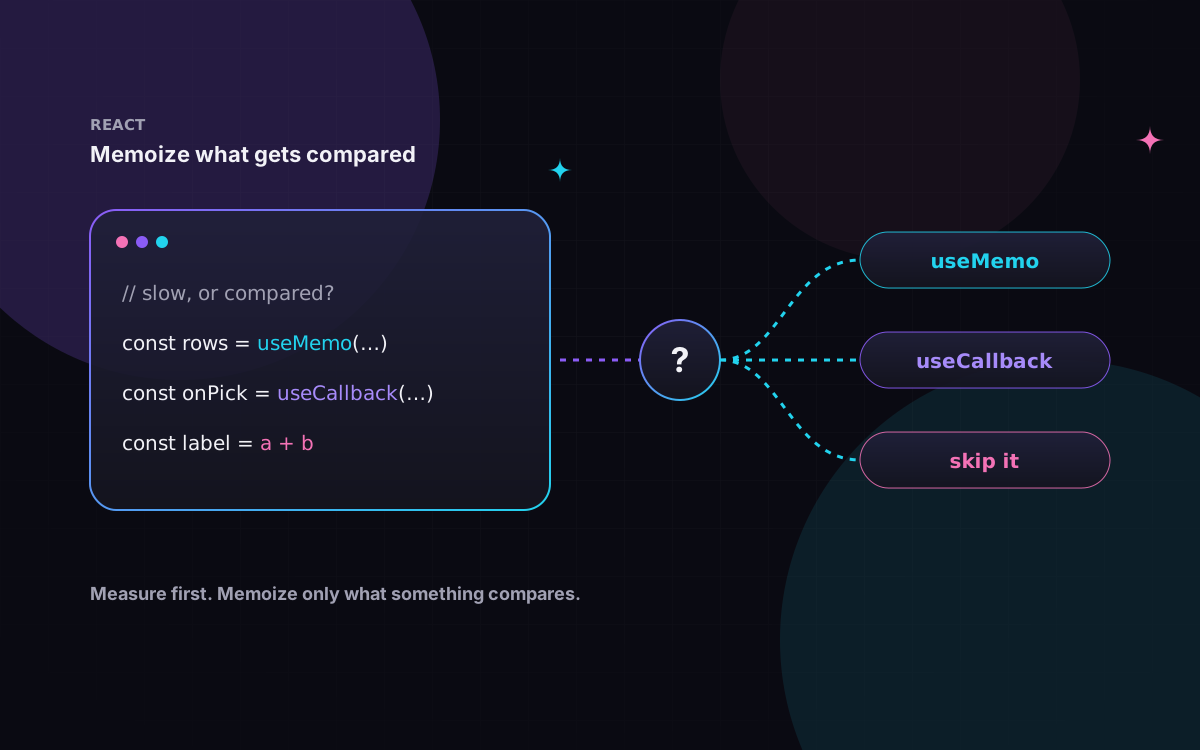
The React docs list three cases where it is worth it:
- The calculation is noticeably slow and its dependencies rarely change. To find out, measure. Wrap the calculation with
console.time('filter array')andconsole.timeEnd('filter array')and repeat the interaction. The docs suggest that if the logged time adds up to a significant amount (say, 1 ms or more), memoizing may make sense. Measure in a production build with CPU throttling on, because development mode (including Strict Mode's double render) skews the numbers and your laptop is probably faster than your users' phones. - The value is passed as a prop to a component wrapped in
memo, likeListabove. - The value is a dependency of another Hook, such as another
useMemoor auseEffect.
Outside those cases it gives you nothing back. The docs note it doesn't cause significant harm either, but it makes code harder to read. The docs also point out that most of the time, you get more from structure: pass JSX as children, keep state as local as possible, and drop Effects that only exist to update other state.
The bug that quietly turns it off
Because dependencies are compared with Object.is, an object created in the component body is "new" on every render. Put it in the dependency list and the cache never hits.
Before: recalculates on every render.
import { useMemo } from "react";

type Item = { id: number; name: string };
type SearchOptions = { matchMode: "whole-word" | "prefix"; text: string };

function searchItems(items: Item[], { matchMode, text }: SearchOptions): Item[] {
  const q = text.toLowerCase();
  return items.filter((i) => {
    const words = i.name.toLowerCase().split(/\s+/);
    return matchMode === "whole-word" ? words.includes(q) : words.some((w) => w.startsWith(q));
  });
}

export function Dropdown({ allItems, text }: { allItems: Item[]; text: string }) {
  // A new object on every render, so the dependency check always fails.
  const searchOptions: SearchOptions = { matchMode: "whole-word", text };
  const visibleItems = useMemo(
    () => searchItems(allItems, searchOptions),
    [allItems, searchOptions],
  );
  return <p>{visibleItems.length} matches</p>;
}
After: build the object inside the calculation, so the dependencies are an array and a string. The types and searchItems are the same as above.
import { useMemo } from "react";

export function Dropdown({ allItems, text }: { allItems: Item[]; text: string }) {
  const visibleItems = useMemo(() => {
    const searchOptions: SearchOptions = { matchMode: "whole-word", text };
    return searchItems(allItems, searchOptions);
  }, [allItems, text]);
  return <p>{visibleItems.length} matches</p>;
}
The same applies to inline arrow functions and arrays. If allItems itself is rebuilt by the parent on every render, the cache will miss there too. A single "always new" value upstream can disable memoization for a whole subtree.
Where the React Compiler fits
React Compiler reached its first stable release, 1.0, in October 2025. It runs at build time and adds memoization for you: it memoizes values and functions inside components and Hooks based on its own analysis, which also lets it skip cascading re-renders. That means you can write the plain version of TodoList with no useMemo and no memo. The memo reference page says the same for components: with the compiler on, you typically don't need React.memo. In Next.js 16 the reactCompiler option moved from experimental to a stable top-level option. It is not on by default; this site turns it on in next.config.ts:
import type { NextConfig } from "next";

const nextConfig: NextConfig = {
  reactCompiler: true,
};

export default nextConfig;
It doesn't make useMemo obsolete. The React team's guidance is:
- New code: rely on the compiler, and use
useMemooruseCallbackwhere you need precise control. - Existing code: leave the memoization you already have in place, or test carefully before removing it, because removing it can change the compiler's output.
- Escape hatch: a common reason to keep
useMemois a value used as an Effect dependency, so the Effect doesn't fire again when nothing meaningful changed.
The compiler relies on the Rules of React, so how smoothly it rolls out depends on how well your code already follows them. The "use no memo" directive opts a function out, and the docs say to treat that as temporary, with a TODO and a tracking issue.
Pitfalls and when not to use it
- Don't rely on it for correctness. React may throw the cache away: in development when you edit the file, and in both development and production if the component suspends during its first mount. If your code breaks when the calculation runs again, use state or a ref instead.
- It doesn't make the first render faster. If the first render is slow, the work itself needs to get cheaper, or move somewhere else.
- Keep the function pure. In Strict Mode, React calls it twice in development and ignores one result. Side effects inside it will show up twice.
- Top level only. It's a Hook, so no calls inside loops or conditions. Extract a child component instead.
- Skip it for cheap work. Concatenating a string or mapping over a dozen items doesn't need a cache. The docs' rule of thumb is that a calculation is rarely expensive unless it creates or loops over thousands of objects.
In practice
- Measure first with
console.timein a production build, CPU throttling on. - Use
useMemofor slow calculations, props tomemochildren and Hook dependencies, and nothing else. - Keep objects and functions out of the dependency list; build them inside the calculation.
- Check that the inputs from the parent are stable, or the cache will never hit.
- With React Compiler on, write plain code first and add
useMemoonly where you need control. - Keep existing
useMemocalls when you turn the compiler on, unless you test before removing them.
If a React or Next.js app of yours feels slow and you want a second pair of eyes on where the time actually goes, tell us about it.