In short
Reach for useMemo only for a calculation you measured as slow, or a value that goes to a memo child or another Hook's dependencies. Reach for useCallback only for a function in those last two spots or one returned from a custom Hook, and write everything else as plain code. With React Compiler on, write plain code and keep useMemo and useCallback as escape hatches.
Most React codebases end up in one of two places with useMemo and useCallback: wrapped around everything "just in case", or avoided entirely until a memoized child mysteriously keeps re-rendering. Neither is a decision. This post is the decision guide: four questions that tell you when memoizing pays off and when it is noise.
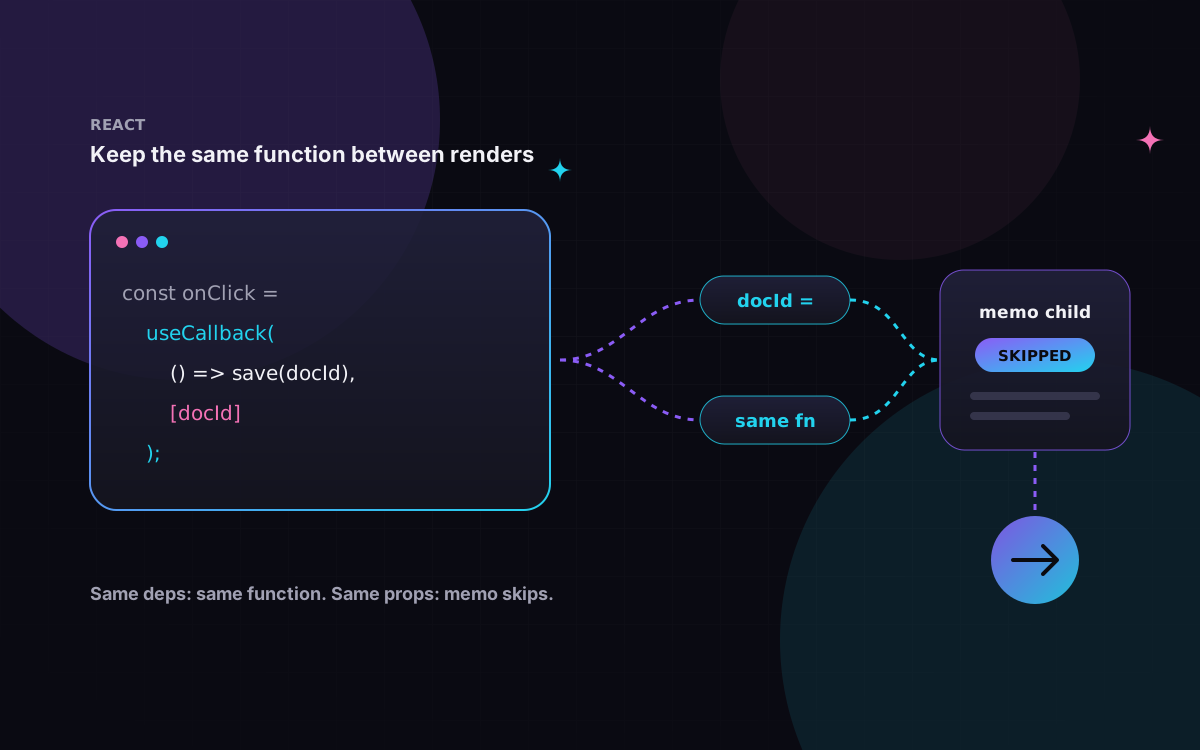
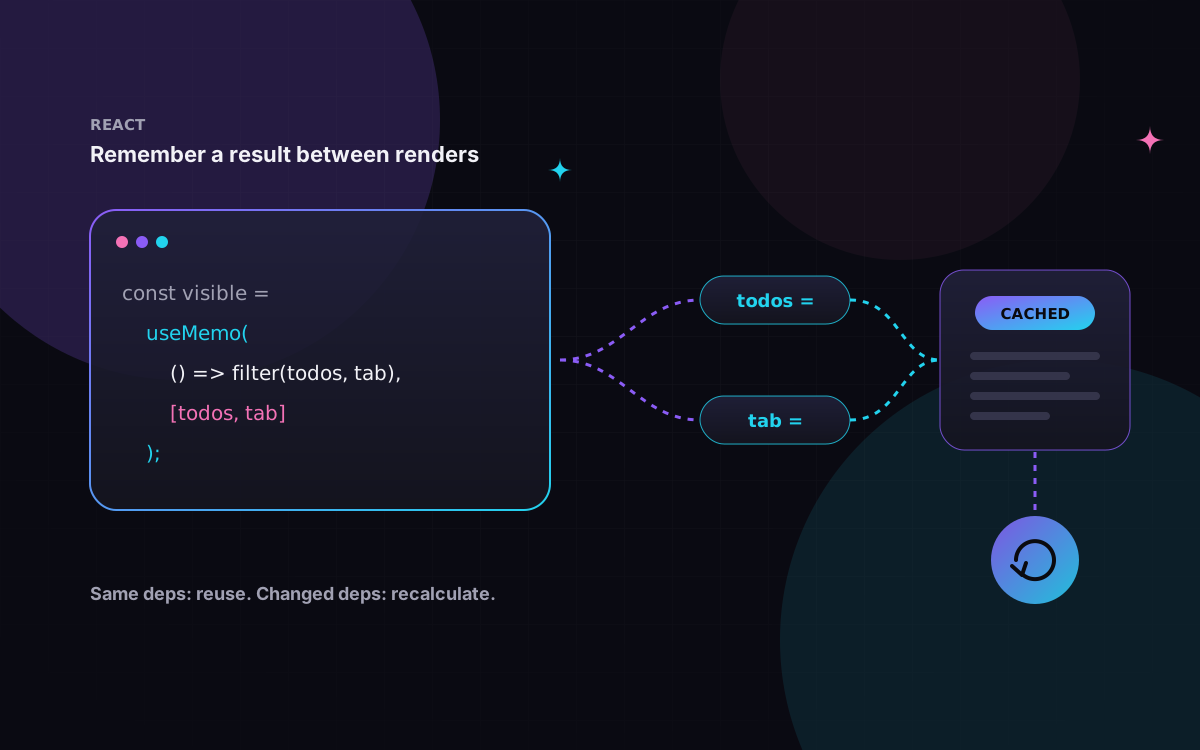
It is the third post in a short series. If you want the mechanics first, read how useMemo works and how useCallback works. Here we only need one fact from them: useMemo caches the result of a function, and useCallback caches the function itself. The React docs describe useCallback(fn, deps) as equivalent to useMemo(() => fn, deps).
The problem in plain words
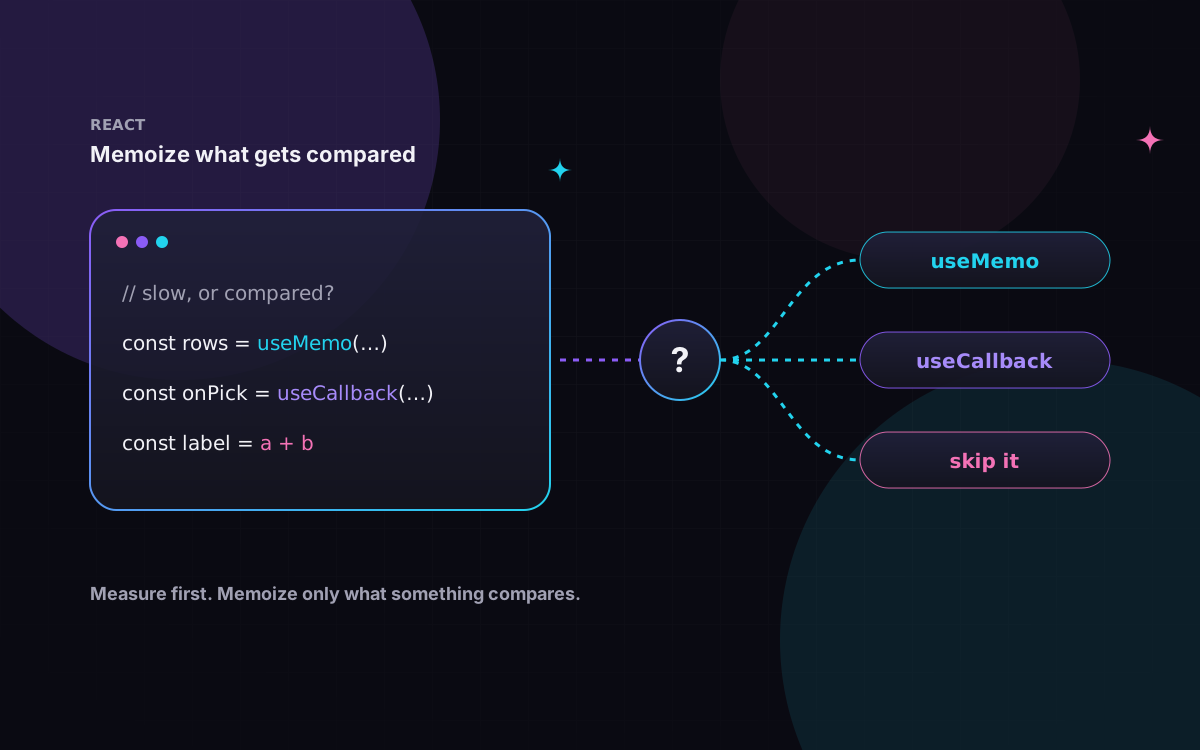
Memoization only helps when something on the other side compares. A memoized value is useful if it saves real work, or if a memo component, an Effect or another Hook checks it with Object.is and can skip something when it is unchanged. If nothing compares and nothing is slow, the cache is pure overhead in reading time.
The React docs are blunt about it: outside a few cases there is "no benefit", and also "no significant harm", except that code becomes less readable. So the cost of getting it wrong is usually clutter, and sometimes a real bug. The questions below keep you out of both.
The decision flow
Ask these in order. The first "yes" decides.
- Is the calculation measurably slow? Measured, not guessed (see below). The docs suggest memoizing may make sense once the logged time adds up to around 1 ms or more. If yes:
useMemo. Creating a function is never slow, so for functions the answer is always no. - Is it passed to a component wrapped in
memo? A new object, array or function on every render makesmemouseless. Value:useMemo. Function:useCallback. - Is it in another Hook's dependency list (
useEffect,useMemo,useCallback)? First try to move it inside the Effect or outside the component. Only if you can't, memoize it. - Is it a function returned from your own custom Hook? The docs recommend wrapping it in
useCallback, so the people calling your Hook can optimize their own code. - All no? Skip it. Write plain code.
The diagram folds questions 2 to 4 into one "for memo or deps?" check, split into values and functions.
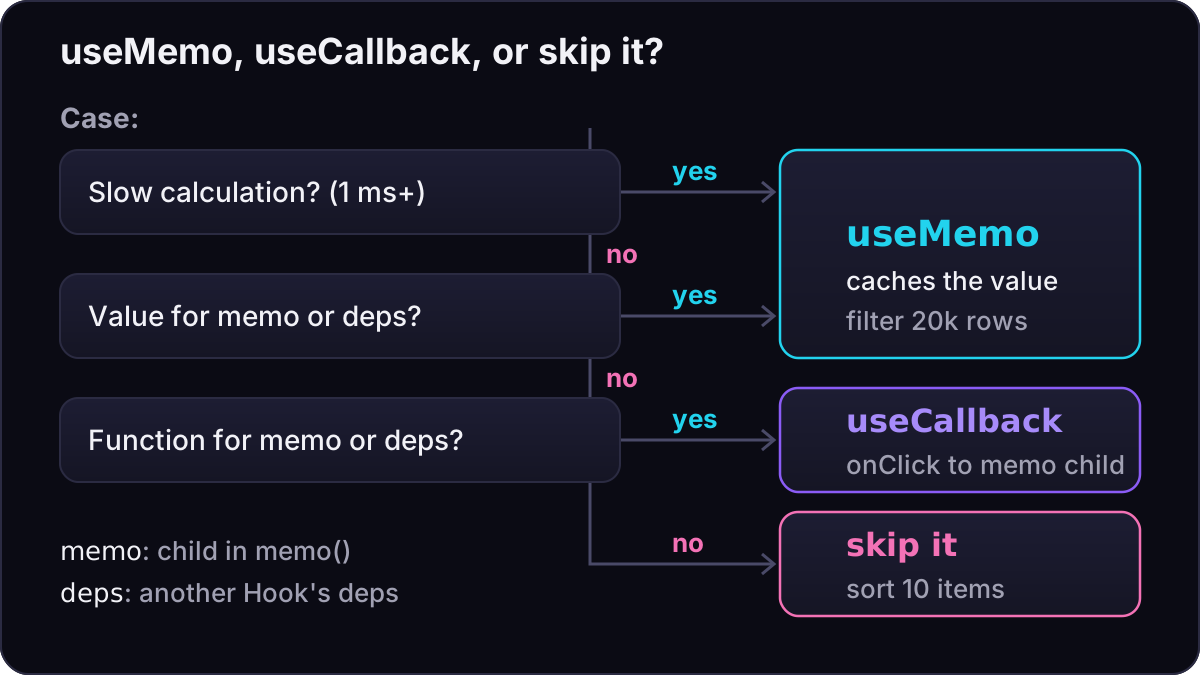
Each case stops at the first "yes", and if every answer is "no" the right call is plain code.
Use it vs don't bother
Value, don't bother. A few tags, sorted on each render. Nothing downstream compares the array, and the sort takes microseconds.
export function TopTags({ tags }: { tags: string[] }) {
  // A handful of items: sorting is cheap, just do it.
  const sorted = [...tags].sort();
  return <p>{sorted.join(", ")}</p>;
}
Value, use it. Twenty thousand rows, filtered on each keystroke and handed to a memo table. Toggling density shouldn't refilter or re-render the table.
import { memo, useMemo, useState } from "react";

type Row = { id: number; name: string };

const Table = memo(function Table({ rows }: { rows: Row[] }) {
  return (
    <ul>
      {rows.map((r) => (
        <li key={r.id}>{r.name}</li>
      ))}
    </ul>
  );
});

export function Report({ rows, query }: { rows: Row[]; query: string }) {
  const [dense, setDense] = useState(false);
  // 20k rows: measured as slow, and the result goes to a memo child.
  const visible = useMemo(
    () => rows.filter((r) => r.name.toLowerCase().includes(query.toLowerCase())),
    [rows, query],
  );
  return (
    <div className={dense ? "dense" : undefined}>
      <button onClick={() => setDense((d) => !d)}>Toggle density</button>
      <Table rows={visible} />
    </div>
  );
}
Function, don't bother. A handler on a plain DOM element. Nothing compares it, so a fresh function each render is fine. The docs say creating functions is "not something to avoid".
import { useState } from "react";

export function Counter() {
  const [count, setCount] = useState(0);
  // A plain <button> doesn't compare props, so a new function costs nothing.
  return <button onClick={() => setCount(count + 1)}>{count}</button>;
}
Function, use it. The same kind of handler, but passed to many memo rows. A new function would re-render every row on every selection.
import { memo, useCallback, useState } from "react";

const Row = memo(function Row({ id, onSelect }: { id: number; onSelect: (id: number) => void }) {
  return <li onClick={() => onSelect(id)}>Item {id}</li>;
});

export function List({ ids }: { ids: number[] }) {
  const [selected, setSelected] = useState<number | null>(null);
  // Same function every render, so memo can skip every Row.
  const handleSelect = useCallback((id: number) => setSelected(id), []);
  return (
    <>
      <p>Selected: {selected ?? "none"}</p>
      <ul>
        {ids.map((id) => (
          <Row key={id} id={id} onSelect={handleSelect} />
        ))}
      </ul>
    </>
  );
}
Effect dependency: restructure first. The object below is new on every render, so the Effect reconnects every time.
import { useEffect } from "react";

declare function createConnection(o: { serverUrl: string; roomId: string }): {
  connect(): void;
  disconnect(): void;
};

export function ChatRoom({ roomId }: { roomId: string }) {
  // New object every render, so the Effect reconnects on every render.
  const options = { serverUrl: "https://localhost:1234", roomId };
  useEffect(() => {
    const connection = createConnection(options);
    connection.connect();
    return () => connection.disconnect();
  }, [options]);
  return <h1>Room {roomId}</h1>;
}
You could wrap options in useMemo. Moving it into the Effect is simpler and needs no memoization (same imports and createConnection as above):
export function ChatRoom({ roomId }: { roomId: string }) {
  useEffect(() => {
    // Built inside the Effect: no memoization needed.
    const options = { serverUrl: "https://localhost:1234", roomId };
    const connection = createConnection(options);
    connection.connect();
    return () => connection.disconnect();
  }, [roomId]);
  return <h1>Room {roomId}</h1>;
}
Custom Hook: stabilize what you return. You don't know where callers will put toggle, so keep it stable.
import { useCallback, useState } from "react";

export function useToggle(initial = false) {
  const [on, setOn] = useState(initial);
  const toggle = useCallback(() => setOn((v) => !v), []);
  const reset = useCallback(() => setOn(initial), [initial]);
  return { on, toggle, reset };
}
What memoizing costs
- Readability. Every wrapper and dependency array is something the next reader has to check. This is the cost the docs call out.
- Wasted work when it can't hit. React still stores the value and compares each dependency on every render. That is cheap, but it buys nothing if one dependency is new every time.
- Wrong dependencies. A missing dependency gives you a stale value or a stale closure: the code silently uses data from an earlier render. Keep the
react-hooks/exhaustive-depslint rule on. - With React Compiler, skipped components. The compiler keeps your manual
useMemoanduseCallback. If their dependencies are incomplete, it may skip compiling that component altogether, so you lose the automatic memoization as well. Thepreserve-manual-memoizationrule (in the recommended preset ofeslint-plugin-react-hooks7.1.1, the version this site uses) reports it.
Anti-patterns and pitfalls
import { memo, useCallback, useMemo } from "react";

const Card = memo(function Card({ title, style }: { title: string; style: { padding: number } }) {
  return <div style={style}>{title}</div>;
});

export function Profile({ first, last }: { first: string; last: string }) {
  // Pointless: a string is compared by value anyway, and joining is cheap.
  const fullName = useMemo(() => `${first} ${last}`, [first, last]);
  // Broken: a new style object every render, so memo never skips Card.
  return <Card title={fullName} style={{ padding: 8 }} />;
}

export function Saver({ value, onUpdate }: { value: string; onUpdate: (v: string) => void }) {
  // Bug: value is missing from the deps, so save can send a stale value.
  const save = useCallback(() => onUpdate(value), [onUpdate]);
  return <button onClick={save}>Save</button>;
}
- Memoizing everything. One "always new" value breaks memoization for the whole component, so blanket wrapping mostly adds noise.
- Memoizing primitives. Strings, numbers and booleans compare by value already. Only memoize them if computing them is slow.
- Inline objects in dependency lists or props.
{ padding: 8 }above is new every render. Hoist constants out of the component, or pass primitive props instead of objects. memowithout stable props.memoonCarddoes nothing while any prop changes identity each render. Memoize the props, or drop thememo.- Relying on it for correctness. React may discard the cache, for example when a component suspends during its first mount. If your logic breaks when the value is recomputed, use state or a ref.
Often the better fix is structure, as the docs suggest: pass JSX as children, keep state local, and remove Effects that only update other state.
How to measure
Time the calculation itself with console.time, and the rendering with the Profiler tab in React Developer Tools, or the <Profiler> component if you want numbers in code:
import { Profiler, type ProfilerOnRenderCallback } from "react";

type Row = { id: number; name: string };

const onRender: ProfilerOnRenderCallback = (id, phase, actualDuration, baseDuration) => {
  console.log(id, phase, actualDuration.toFixed(1), baseDuration.toFixed(1));
};

export function Results({ rows, query }: { rows: Row[]; query: string }) {
  console.time("filter rows");
  const visible = rows.filter((r) => r.name.includes(query));
  console.timeEnd("filter rows");
  return (
    <Profiler id="results" onRender={onRender}>
      <p>{visible.length} results</p>
    </Profiler>
  );
}
actualDuration is the time spent rendering this update. baseDuration estimates a full re-render with no memoization. If memoization works, the first drops well below the second after mount. Measure the interaction before and after you add the Hook, with CPU throttling on, ideally in a production build: development mode (Strict Mode renders twice) skews the numbers. <Profiler> is disabled in production builds unless you use React's profiling build.
With React Compiler on
This site sets reactCompiler: true in next.config.ts. React Compiler (stable since 1.0 in October 2025) memoizes values and functions in components and Hooks at build time, so most of the decision flow above happens for you. What the React team recommends:
- New code: rely on the compiler, and use
useMemooruseCallbackwhere you need precise control. - Existing code: leave the memoization in place, or test carefully before removing it, because removing it can change what the compiler produces.
- Escape hatch: the common reason to keep one is a value used as an Effect dependency, so the Effect doesn't fire again when nothing meaningful changed.
React.memo: thememoreference page goes further and says you can safely remove it with the compiler on.
In React DevTools, components the compiler optimized carry a "Memo" badge, which is a quick way to check it is actually running.
In practice
- Measure before memoizing a value. No measured slowness, no
useMemofor speed. - Memoize only what a
memochild, a dependency list or your Hook's callers compare. - Before memoizing an Effect dependency, try moving it into the Effect or out of the component.
- Wrap functions returned from custom Hooks in
useCallback. - Never memoize primitives for identity, and never put inline objects in dependency lists.
- Keep
exhaustive-depsand the compiler lint rules on. - With React Compiler: write plain code, keep existing memoization unless you test its removal.
If your React or Next.js app feels slow and you'd like help finding where the time goes, get in touch.